How Innsty Handles Voice Messages Automatically
Innsty transcribes Instagram voice messages to text so your AI can understand and respond. Learn how this feature works.

Published January 21, 2026
Voice messages are becoming super popular on Instagram. But how do you automate responses to audio? Innsty has you covered with automatic transcription powered by AssemblyAI.
The Challenge with Voice Messages
Regular chatbots can't understand voice messages—they only work with text. That's a problem because many customers prefer sending voice notes, especially on mobile.
How Innsty Handles Voice Messages
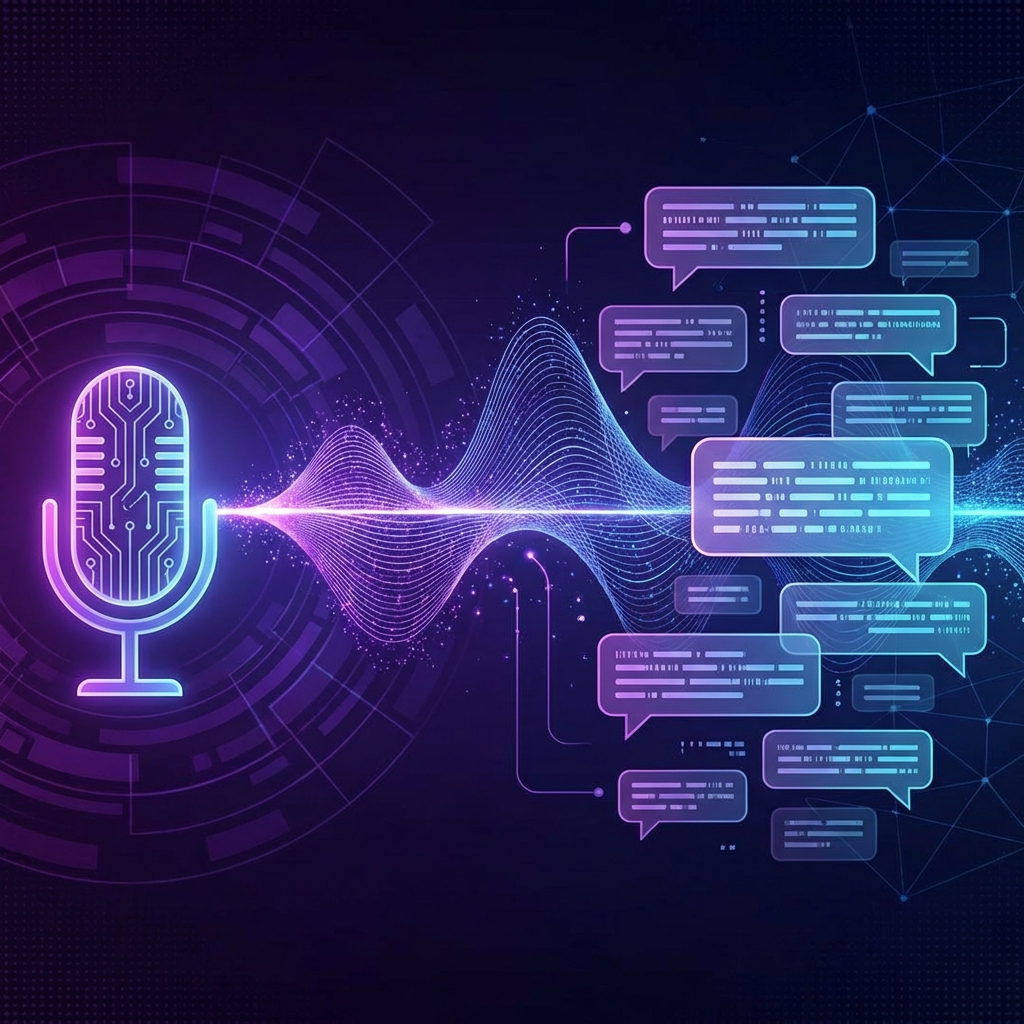
When someone sends a voice message to your Instagram DM, Innsty:
- Receives the audio file from Instagram
- Sends it to AssemblyAI for transcription
- Gets back the text version of what was said
- Passes the text to your AI for understanding
- Generates and sends a text response
Enabling Voice Transcription
Voice transcription is a separate toggle in your AI Settings:
- Go to Accounts and click on your Instagram account
- Click the "AI" button
- Find the "Voice Transcription" toggle at the top
- Toggle it on to enable
When disabled, voice messages are received but not transcribed—AI won't respond to them.
What Languages Are Supported?
AssemblyAI supports most major languages including English, Spanish, French, German, Portuguese, Arabic, and many more. It automatically detects the spoken language.
Response Format
Innsty responds to voice messages with text replies. Instagram's API doesn't support sending automated voice messages back, so responses are always text.
Best Practices
- Mention in your AI prompt that some messages may come from voice transcription
- Keep responses clear in case the transcription isn't perfect
- Check your usage logs to monitor transcription costs
- Consider disabling if you don't receive many voice messages to save credits