How to Auto Reply to Instagram DMs for Free in 2026 (3 Methods)
Learn 3 ways to set up free Instagram DM auto-replies — from Meta Business Suite to AI-powered tools. Step-by-step guide with screenshots.

Published February 23, 2026
Want to auto-reply to Instagram DMs without paying anything? Good news — there are several ways to do it in 2026. I'll walk you through 3 methods, from basic (built into Instagram) to advanced (AI-powered). Let's dive in.
Why You Need Instagram DM Auto-Replies
Here's the reality: 90% of customers expect a response within minutes, not hours. But you can't be glued to your phone 24/7. Auto-replies bridge that gap — they respond instantly while you sleep, eat, or run your business.
The question isn't whether you need auto-replies. It's which method works best for you.
Method 1: Meta Business Suite (100% Free, Basic)
Instagram's parent company Meta offers basic auto-reply features through Business Suite. Here's how to set it up:
- Open Meta Business Suite (business.facebook.com)
- Go to Inbox → Automated Responses
- Enable Instant Reply
- Write your auto-reply message
- Save and you're done!
Pros: Completely free, official Meta tool, no third-party access needed.
Cons: Only sends ONE generic message to everyone. No keyword triggers, no AI, no personalization. Once the auto-reply fires, you need to manually respond to everything after that.
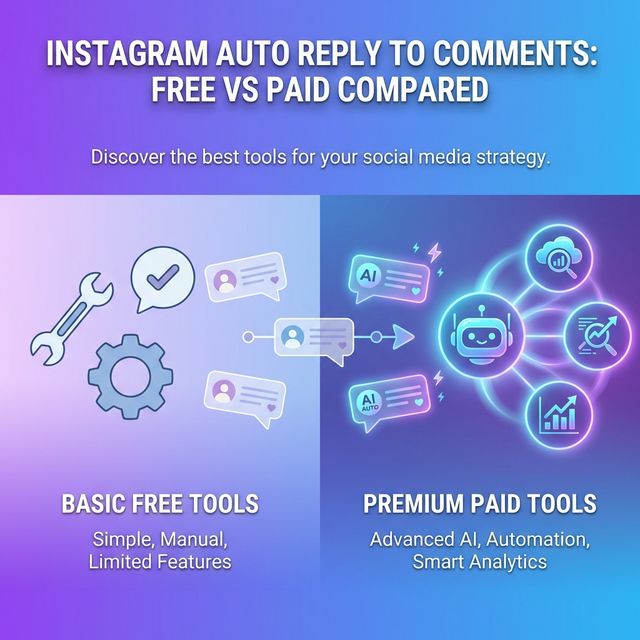
Method 2: Keyword-Based Auto-Reply Tools (Free Tiers Available)
Tools like Innsty, ManyChat, and Chatfuel offer free tiers that let you set up keyword-triggered responses. When someone sends a DM containing specific words, the tool sends a pre-written reply.
Setting Up Keyword Auto-Replies with Innsty (Free Plan)
- Create a free Innsty account
- Connect your Instagram Business or Creator account
- Go to your account and click "Auto Reply"
- Click "Add Rule" and choose Direct Messages
- Set your trigger keyword (e.g., "price" or "hours")
- Write your response — you can include text, images, PDFs, or even videos!
- Save and activate
Now whenever someone DMs you "price," they'll automatically get your price list. No manual work needed.
Pros: Much smarter than generic auto-replies, supports multiple message types, works 24/7.
Cons: Free plans have limits on messages or accounts. You need to predict what keywords people will use.
📖 Related: How to Create Keyword Triggers for Instagram DMs
Method 3: AI-Powered Auto-Replies (Free Trial Available)
This is the most powerful method. Instead of predefined responses, AI reads each message and writes a personalized reply. It understands context, remembers previous messages, and sounds like a real person.
How AI Auto-Reply Works
- Someone sends you a DM
- AI reads and understands the message
- It checks your knowledge base (products, FAQs, policies)
- It generates a natural, context-aware response
- The reply is sent instantly
With Innsty, you can set up AI auto-replies using GPT, Gemini, or other models. The free trial lets you test everything before committing.
Pros: Handles unique questions, sounds human, remembers conversation context, works with voice messages too.
Cons: Free trials are limited. For heavy use, you'll need a paid plan.
Which Method Should You Choose?
- Just need a "we'll get back to you" message? → Use Meta Business Suite
- Want to auto-send price lists or links? → Use keyword-based rules (Innsty free plan)
- Want intelligent responses to any question? → Use AI auto-reply (Innsty free trial)
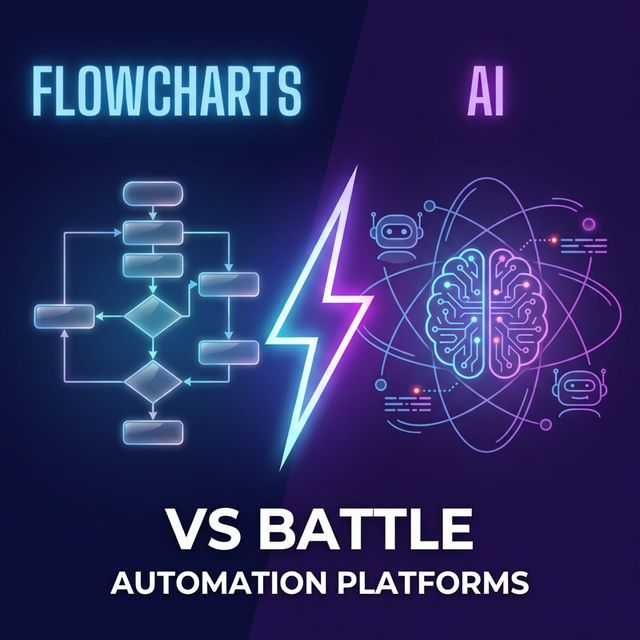
Most businesses start with keyword rules and add AI when they see how much time it saves. The best part? You can use both together — keyword rules fire first for common questions, and AI handles everything else.
Quick Comparison Table
Here's how the three methods compare:
- Meta Business Suite: Free forever, 1 generic reply, no AI, no keywords
- Innsty Free Plan: Free, keyword rules + limited AI, multiple message types
- Innsty Paid Plans: From $5/mo, unlimited AI replies, voice transcription, multiple accounts
Important: Keep Your Account Safe
Whatever tool you choose, make sure it uses Instagram's official API. Unofficial bots that simulate human behavior can get your account banned. Innsty and ManyChat both use official Meta APIs — so your account is safe.
Ready to get started? Create your free Innsty account and set up auto-replies in under 5 minutes.