Managing Multiple Instagram Accounts with Innsty
Run automation for multiple Instagram accounts from one dashboard. Perfect for agencies and businesses with multiple brands.

Published January 22, 2026
Do you manage multiple Instagram accounts? Maybe for different brands, or you're running an agency? Innsty makes it easy to handle them all from one place.
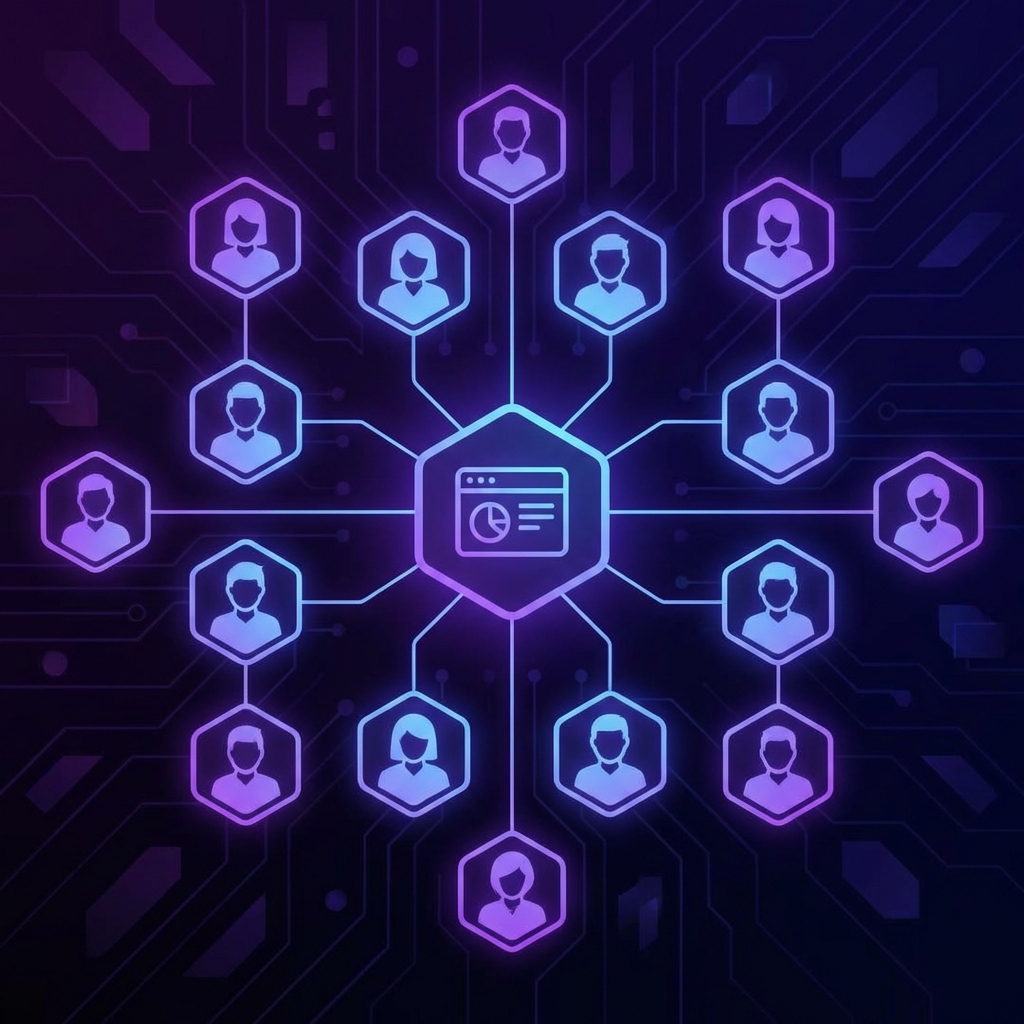
Your Accounts Dashboard
Navigate to Accounts from the sidebar. Here you'll see all your connected Instagram accounts displayed as cards. Each card shows:
- Profile picture and username
- Account type (Business/Creator)
- Connection status (Active/Inactive)
- Stats: Posts, Followers, Following
Adding More Accounts
Click the "Connect Account" button at the top of the page. You'll go through Instagram's login flow to authorize the new account. Each account is completely separate!
Managing Each Account
Each account card has action buttons to quickly access features:
- Auto Reply — Manage keyword-based auto-reply rules
- AI — Configure AI DM auto-reply settings
- AI Comment — Access from the AI Settings page
- Settings — Toggle typing indicators and read receipts
- Refresh — Update your access token (keeps connection healthy)
Independent Settings
This is key: each Instagram account has completely different automation settings. Your bakery account can have a warm, friendly AI while your law firm account stays formal and professional. Settings that are unique per account:
- AI prompts, models, and knowledge base
- Auto-reply rules (DM and Comment)
- AI Comment settings
- Typing indicators and read receipts
- Usage logs
Handling Expired Accounts
If an account shows as "Inactive" or "Expired," it means Instagram revoked access (usually after 60 days without refresh). Click the Reconnect button to restore functionality.
Tips for Agencies
- Create template prompts you can customize per client
- Set up similar auto-reply rules across accounts for consistency
- Check each account's usage logs weekly
- Refresh tokens regularly to prevent expiration