E-commerce Instagram DM Automation: Boost Sales While You Sleep (Tutorial)
Step-by-step tutorial for e-commerce brands to automate order tracking, return policies, product questions, and comment-to-sale funnels on Instagram.

Published March 23, 2026
You run an e-commerce brand. Every day, your Instagram DMs are flooded with: "Where is my order?", "What's your return policy?", "Does this come in blue?", "Is this still in stock?". You're drowning in repetitive questions instead of focusing on growing your business. Here's the exact system to automate 80% of your DMs.
What We'll Automate
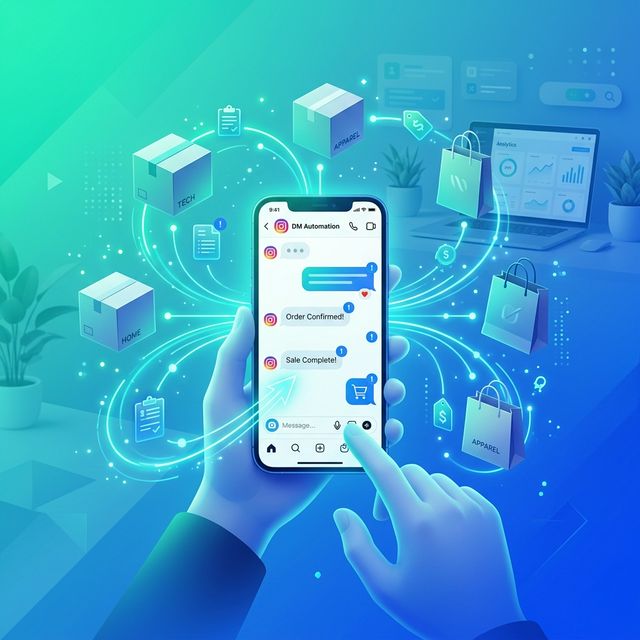
By the end of this tutorial, your Instagram will handle:
- Order tracking and shipping questions → auto-redirect to tracking page
- Return and refund policy questions → instant policy document
- Product questions (sizing, colors, stock) → AI-powered responses from your catalog
- Comment-to-checkout funnels → convert comments into direct sales
Step 1: Set Up Innsty
Create your free account and connect your brand's Instagram Business account via Accounts → Connect Account.
Step 2: Upload Your Resources
Go to File Manager and upload:
- Your return/exchange policy (PDF)
- Your size chart (Image)
- Your best-selling product lookbook (PDF or Images)
Step 3: Create Customer Support Auto-Reply Rules
Go to your account → "Auto Reply" → "Add Rule" → "Direct Messages".
Rule 1: Order Tracking
- Rule Name: Order Tracking
- Trigger Type: Contains
- Trigger Keyword: order
- Message 1 (Text): "Hi there! 📦 To track your order, check the shipping confirmation email we sent you — it has your tracking number and link. You can also track directly here: [Your Tracking Page URL]. If you can't find it, reply with your order number and our team will look into it!"
Create similar rules for triggers: "tracking", "shipped", "delivery", "where is my".
Rule 2: Returns & Refunds
- Trigger Keyword: return
- Message 1 (Text): "No worries! We want you to be 100% happy with your purchase. Here's our return policy:"
- Message 2 (PDF): Your return policy document from File Manager
- Message 3 (Text): "To start a return, visit: [Returns Portal Link]. If you need any help, just let us know! 💛"
Also create for triggers: "refund", "exchange", "wrong size".
Rule 3: Size Guide
- Trigger Keyword: size
- Message 1 (Text): "Great question! Here's our complete size chart:"
- Message 2 (Image): Your size chart image
- Message 3 (Text): "Most customers say our pieces fit true to size. When in doubt, we recommend sizing up! Need help with a specific item? Just ask 😊"
Step 4: Set Up AI for Pre-Sales Questions
This is where the real sales magic happens. Click the "AI" button on your account.
- Enable "AI Auto-Reply"
- Choose GPT or Gemini (both great for e-commerce)
- Use this System Prompt:
"You are the shopping assistant for [Brand Name], an online [product type] brand. Be enthusiastic, helpful, and fashion-forward. When customers ask about specific products, use the product catalog in your knowledge base to give accurate info about colors, materials, sizing, and prices. If a product is in stock, share the direct link: [your-store.com/products/product-name]. For order issues, direct them to: [tracking page] for tracking and [returns page] for returns. Never make up product details. If you don't know, say 'Let me check with the team and get back to you!' Keep replies conversational and under 3 sentences. Use 1-2 emojis."
- In the Knowledge Base, paste your entire product catalog: names, prices, colors available, materials, sizing notes, and direct URLs
- Set Conversation Memory to 10 messages (so AI remembers what product they were asking about)
- Set Rate Limiting to 15 replies per hour per person
- Click "Save Settings"
Step 5: The Comment-to-Sale Funnel (Game Changer)
This is the strategy that top e-commerce brands use to drive sales from reels. Post a product video with the CTA: "Comment 'SHOP' to get the link sent to your DMs!"
Set up a Comment Auto-Reply Rule:
- Trigger: Contains "SHOP"
- Reply Mode: Both
- Public Reply: "Just sent it! Check your DMs ✨"
- Private DM Message 1: "Here you go! 🎉 [Direct Product Link] Use code INSTA15 for 15% off, just for our Instagram fam!"
- Private DM Message 2 (Image): A lifestyle shot of the product
This removes every friction point between "I want this" and "I bought this." The customer never has to search for the product — it lands directly in their DMs.
Step 6: Monitor Your Results
Check your Dashboard regularly to see:
- Total messages sent (how many customer inquiries were handled automatically)
- AI usage stats (credits used, response quality)
- Your Usage Logs to see actual conversations and improve your AI prompt over time
Stop drowning in "Where is my order?" DMs. Try Innsty for your e-commerce brand and let AI handle the repetitive questions while you focus on growing your store.
See our Instagram automation for e-commerce overview for the complete setup checklist.